This is the third in a three-part video series going over how to get started in Fusion as a beginner. In this video, I go over the MODIFY tools as a whole and the CONFIGURE tool.
Tag Archives: Modeling
Collaborative Crafting: 3D Modeling, Printing, and Crocheting
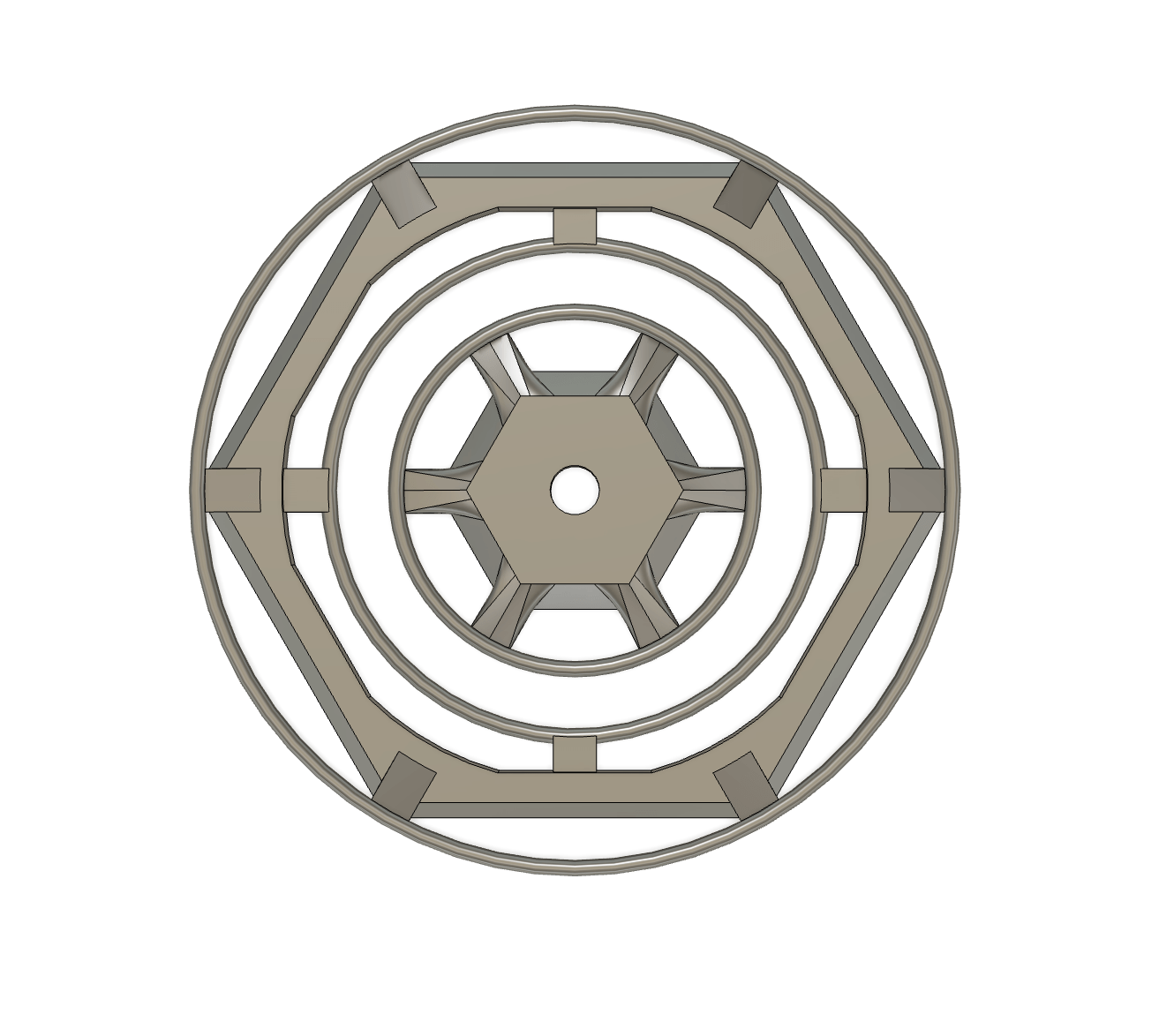
3D Modeling (Levi), 3D Printing (Ryan), Crocheting (Bronwyn) This past week, myself, Ryan, and Bronwyn all came together to collaborate and make something using our individual resident expertises. Because mine and Ryan’s were so different from Bronwyn’s, we had to get creative when deciding what to do. After some discussion, we decided that I wouldContinue reading “Collaborative Crafting: 3D Modeling, Printing, and Crocheting”
Comparing 3D Design Techniques: Insights from Mick Coulter
Mick Coulter https://www.coulteraction.com/about-us https://www.autodesk.com/community/gallery/profile/com-000000471340 One of the best things you can do to get better at something is to take inspiration from someone better than you. It allows you to want to try new things and helps you push yourself to new heights. The person I will be comparing my work to today is MickContinue reading “Comparing 3D Design Techniques: Insights from Mick Coulter”
Step-by-Step Guide: Using a Caliper for Precise Measurements

Modeling to Scale In order to model something to scale, you first need the right tools to do so. For larger objects, things like tape measures and rulers work fine. But when trying to measure something smaller and more precise, a tool called a caliper works best. In this tutorial, I will show you howContinue reading “Step-by-Step Guide: Using a Caliper for Precise Measurements”
Design in Fusion

Step one: Find Inspiration For this, I have found an interesting example of physics represented by a stool. I plan to make it into a coaster/small table that can be 3D printed. I found this just by looking at the same short video and ran across it. Referents Pitchers Step two: Start Modeling – SketchContinue reading “Design in Fusion”
Autodesk Fusion Resource
This is a YouTube channel called “The Fusion Essentials.” It has a variety of different videos explaining tools, updates, workspaces, and processes with easy-to-understand explanations and examples (that you can easily follow). I find this to be a great resource to explore when I’m not sure how to best use or do something when modeling.Continue reading “Autodesk Fusion Resource”

